

Delete your credit card information in your account
You can delete your credit card information if there is at least one other credit card in your account.
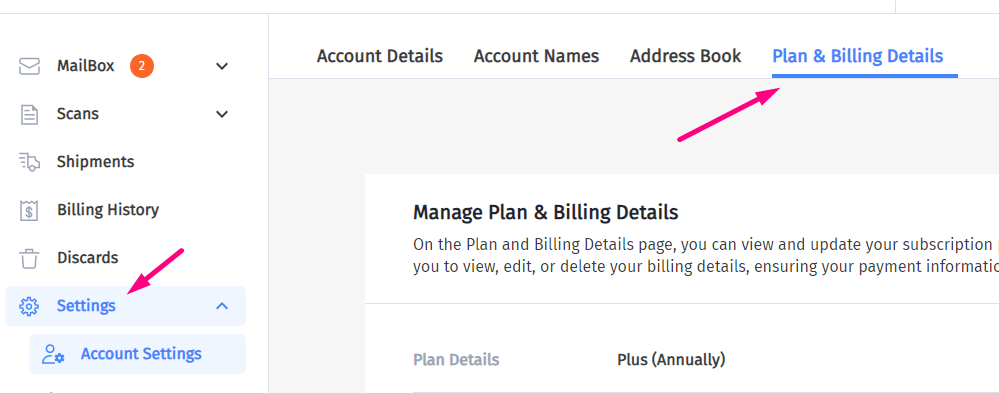
1. Log In To Your Account and go to the Settings tab:
2. Click on Plan & Billing Details:
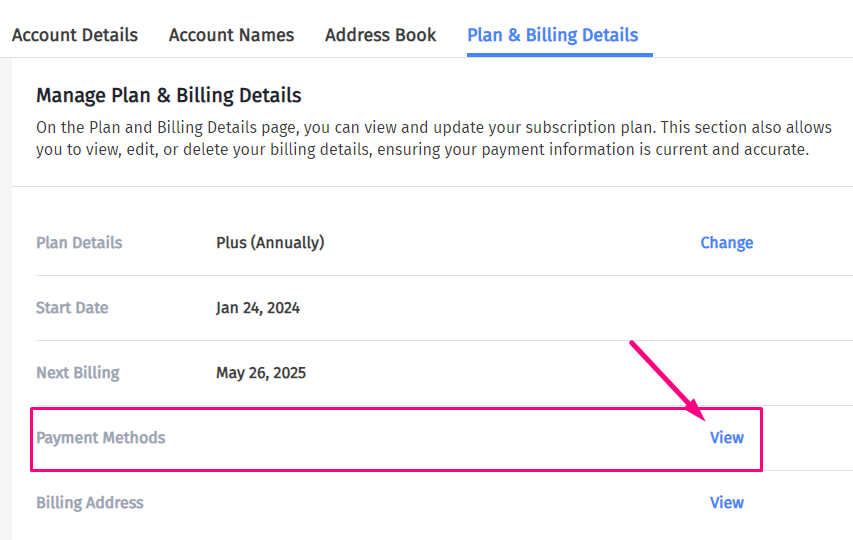
3. Then click “View” next to Payment Methods.
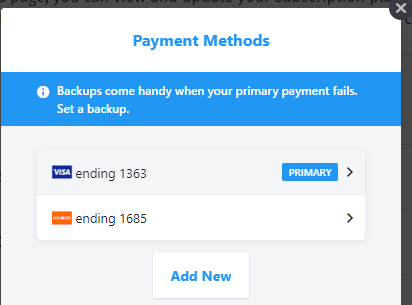
4. Click on the card you want to delete
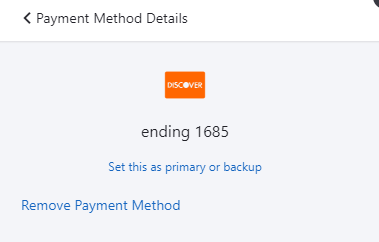
5. Then click “Remove Payment Method”.
6. Click “CONFIRM” to confirm the deletion.

The card will no longer be listed as a payment method.